Welcome to the
Ascension Health Plan
provider resource center


Luminare Health administers medical benefits for Ascension Health Plan members and is committed to delivering a simple, efficient experience for providers and their office staff. Ascension Health Plan is the health insurance plan for Ascension associates and their dependents. This site serves as a central resource for accessing the information, tools and support needed to manage patient care and administrative processes through AscensionHealthPlan.org.
Whether you are providing care, managing revenue cycle operations, or supporting patients in your practice this site is designed to help you quickly find the information you need to serve Ascension Health Plan members.
Use this site to learn how to:
- Verify member eligibility and benefits
- Submit and check the status of prior authorization requests
- Submit and track claims
- Access provider resources and forms
- Find contact information for provider support
Who is Luminare Health?
Luminare Health is the third-party administrator for Ascension Health Plan, providing claims administration, utilization management, eligibility support, and related member and provider services.
Ascension and Luminare Health are committed to a streamlined, positive experience for both providers and associates. By combining trusted healthcare expertise with simplified administrative processes and responsive support, we aim to make it easier for providers and office staff to access the information, resources and tools they need to efficiently care for Ascension associates and their family members.
Need assistance?
Contact Provider Services at 888-711-0494. The Luminare Health team is available Monday through Friday from 7 a.m. to 7 p.m. CT.
Quick links
*If you live near a state border and need care outside your home state, be sure to select the state where you will receive care.
Provider portal overview
The Ascension Health Plan Provider Portal, AscensionHealthPlan.org, is a secure, web-based platform designed to simplify your administrative processes and enhance access to member eligibility, prior authorizations and claim status.
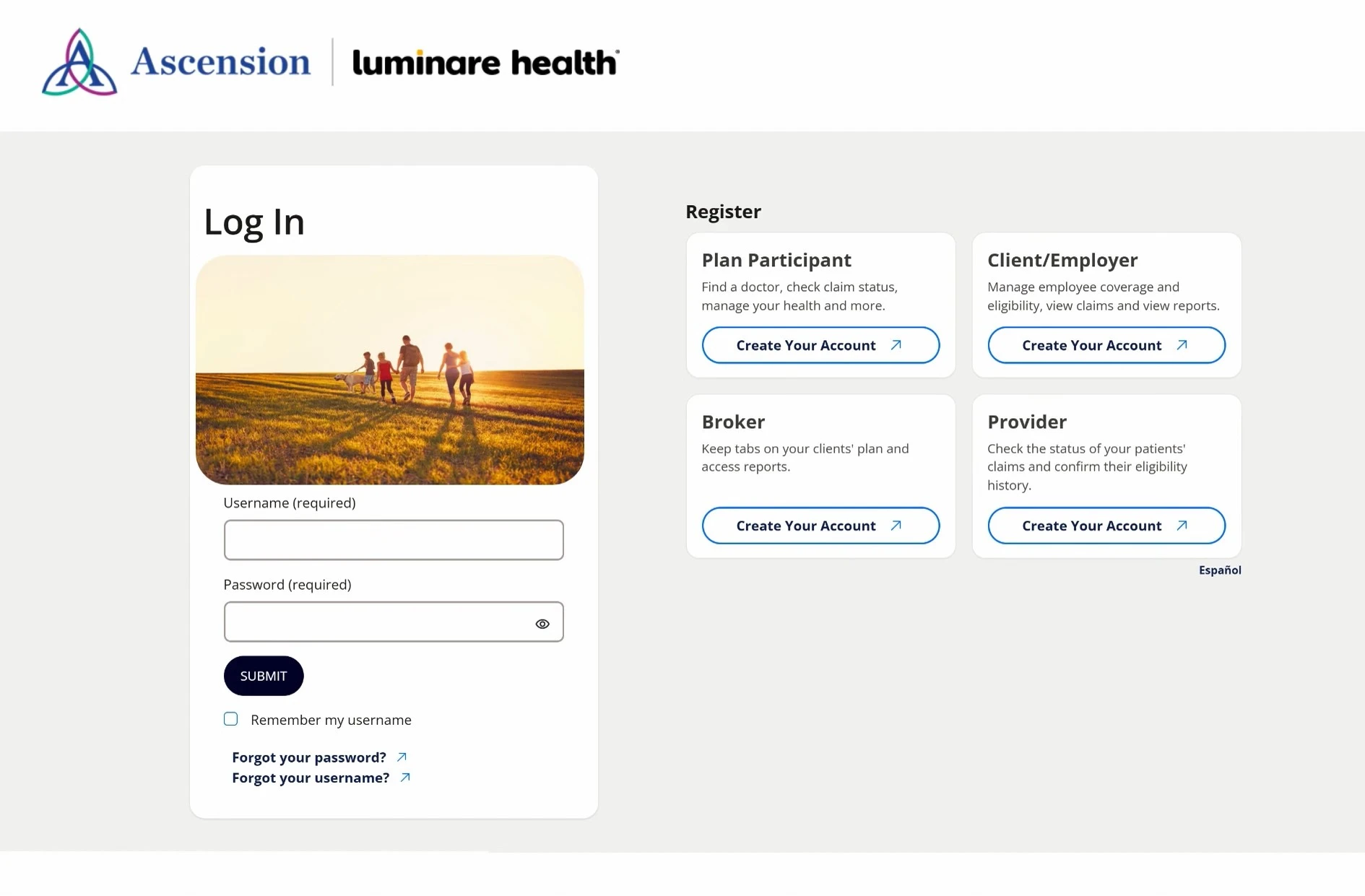
Register at AscensionHealthPlan.org
Registering for the portal is done in a few simple steps. Users create their account, connect it to the provider's tax ID number, and our administrator, Luminare Health, will validate the provider's information for approval.
Note: If you already have an active provider account on myLuminareHealth.com, you do not need to create a new account for AscensionHealthPlan.org. You can use your existing myLuminareHealth.com portal account username and password.
If you are also an associate covered on the Ascension Health Plan, you will create a separate personal member account for accessing your own benefits and claims.
Use the portal to:
- Check the status of claims
- Verify eligibility
- Verify benefits
- Submit Prior Authorization(s) and check status
- Send secure messages via the Message Center for:
- Benefits or claims questions
- Provider payment questions
- Submitting additional documentation
- Reading replies and viewing messages
For detailed steps and additional assistance, you can download the Ascension Health Plan Provider User Guide.
4600 Edmundson Road
St. Louis, MO 63134
Copyright © 2026 Ascension. All rights reserved.